Enrolling now: 23 Nov – 3 Dec 2026 · KimanaLimited spots, book yours
Moran CubsSmall paws, big futures!Enrol now
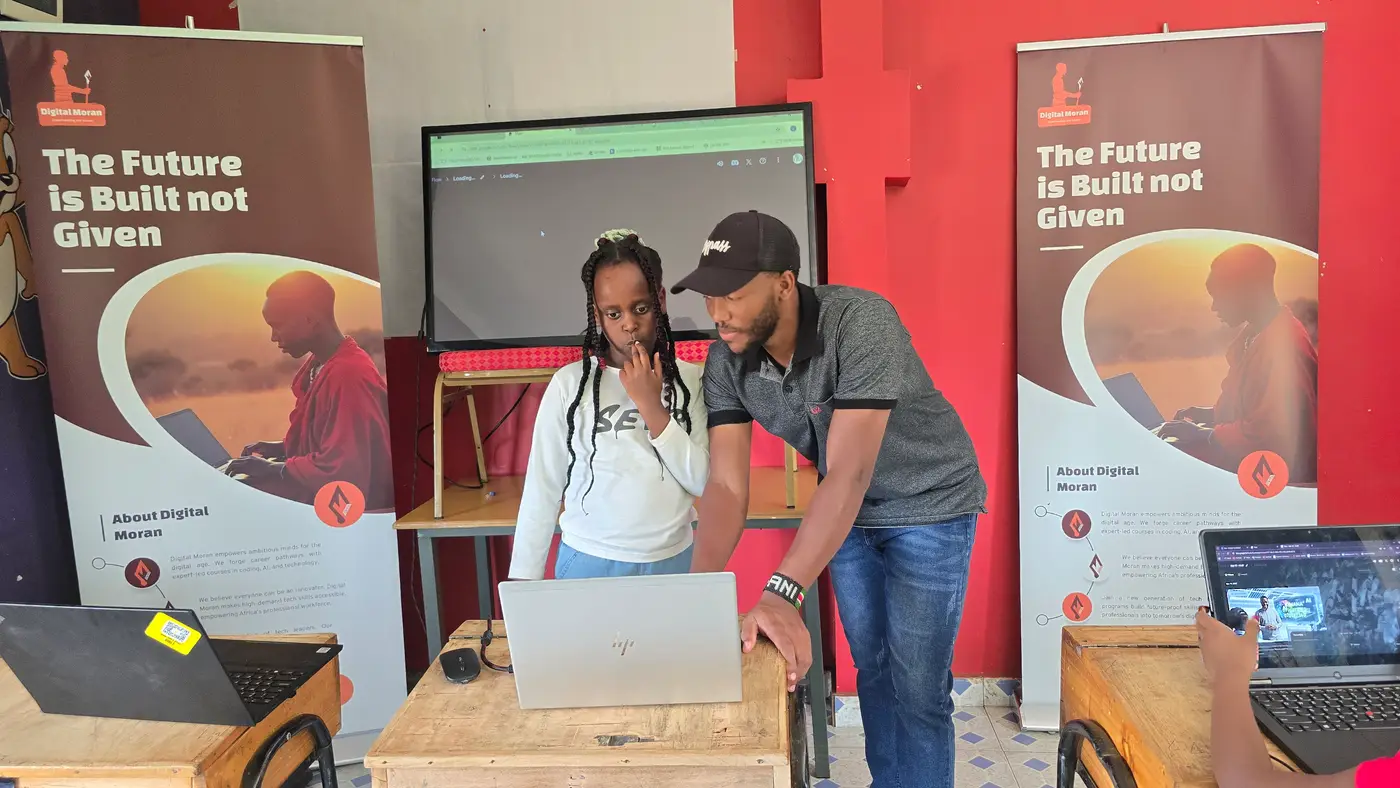
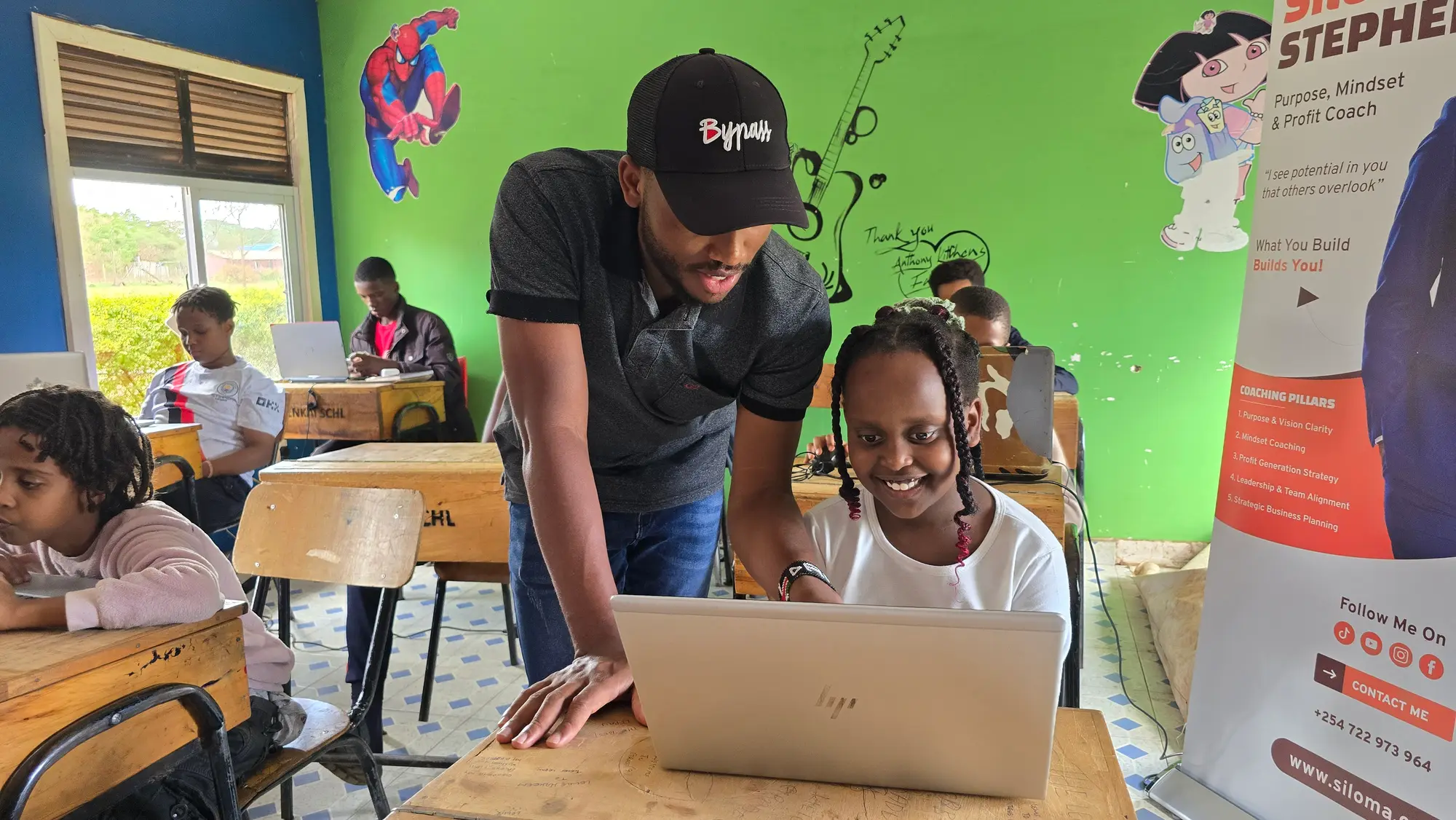
A Moran Cubs trainer guides a smiling learner through an AI exercise on a laptop in Kimana

Kimana · Kajiado South · Ages 10–15 years

AI for KidsHoliday Bootcamp

This holiday, your child learns how artificial intelligence really works, how to use it safely, and how to build something with it that helps their school or community. Hands-on, in Kimana, taught by Digital Moran CBO.

Dates
23 Nov – 3 Dec 2026
Time
Mondays – Fridays, 9:00 AM – 12:00 PM
Venue
Shalom Hotel Conference Hall, Kimana
Ages
10–15 years

The problem

AI reached the village before the lesson did.
Children in Kimana and Loitokitok already meet AI every day. It picks the next video on the phone, translates a message and answers homework questions in seconds. Almost nobody has shown them how it works, where it goes wrong or how to use it well.

In the city, children can join coding clubs and tech camps. Here, the school holiday is long and the options are few. That gap does not close by itself, and the world our children will work in is being rebuilt around this technology.

Moran Cubs brings the lesson home: real AI skills, taught in our own community, with examples from Amboseli, the shamba and the classroom.

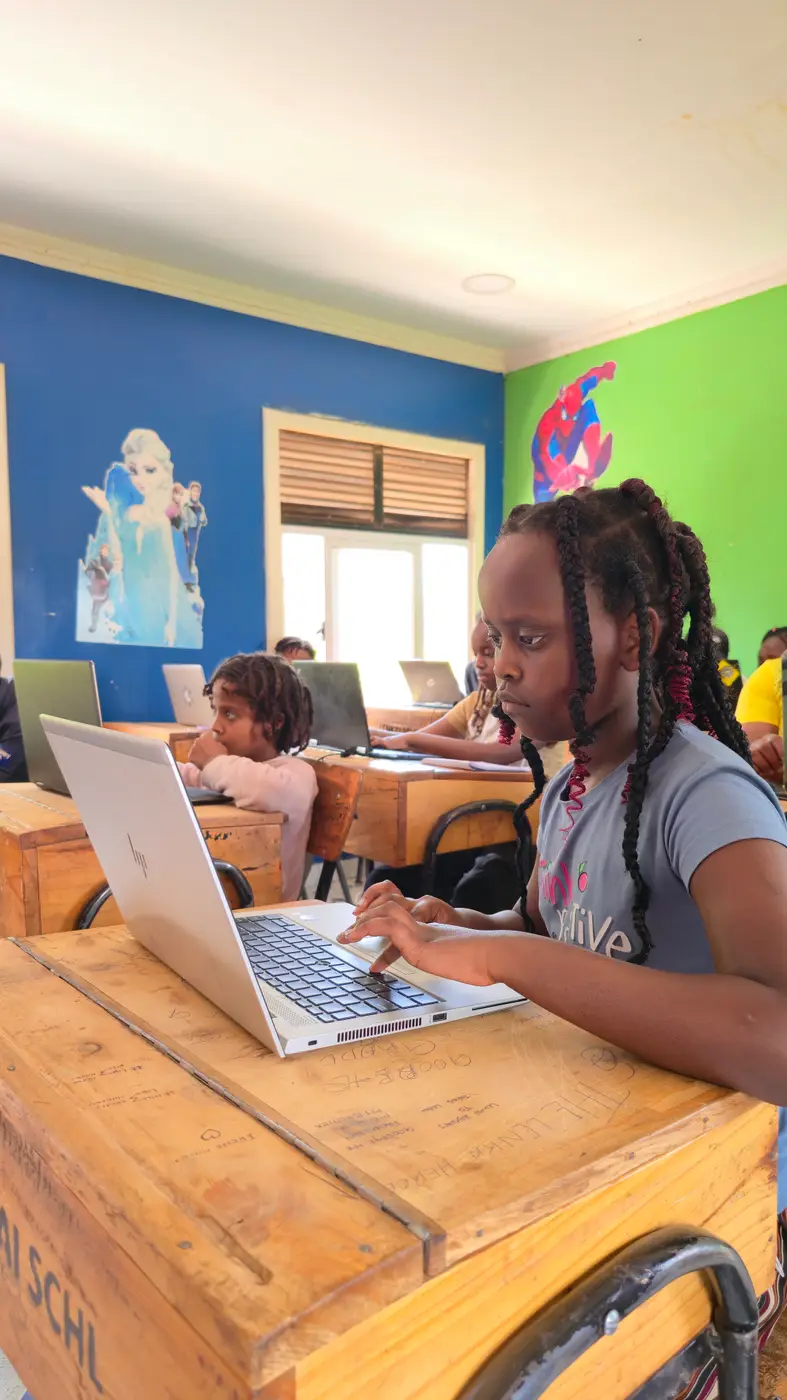
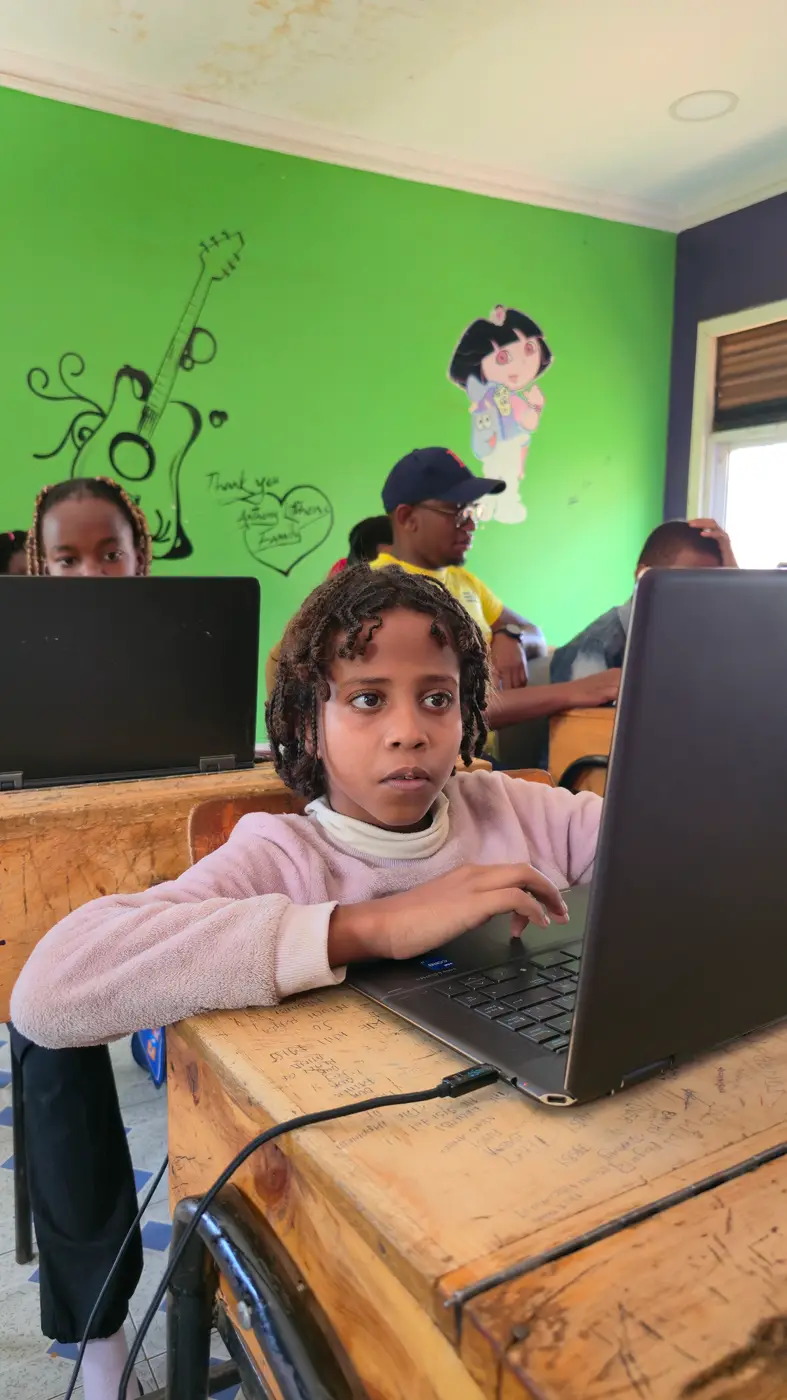
A young learner concentrates on her laptop during a bootcamp session

Our motto

“Small paws, big futures!”

What your child will learn

Not just using AI. Understanding it.

Three hours every weekday morning, mostly on their feet: games, card sorting, paper robots, group projects and guided demonstrations on real AI tools.

  • History & evolution of AI

    Where AI came from, what it is today and how it differs from an ordinary programme and from a human brain.

  • AI & algorithms

    Step-by-step instructions, data, labels and patterns. The building blocks behind every AI system.

  • Machine learning

    How a model learns from examples, makes predictions and still gets things wrong when the data is poor.

  • Agentic AI

    AI agents that plan and act towards a goal, and the decisions that must always stay with people.

  • Prompt engineering

    Writing clear instructions for generative AI to create stories, quizzes, posters and images.

  • Safety & fact-checking

    Privacy, fairness, hallucinations and a simple routine for checking a claim before sharing it.

By the end of the bootcamp

Your child will be able to

  1. 01Explain artificial intelligence using simple examples.
  2. 02Understand data, patterns and the basics of machine learning.
  3. 03Recognise generative AI and write useful prompts.
  4. 04Explain AI agents and how agentic AI systems carry out tasks.
  5. 05Identify AI risks, misinformation and ethical concerns.
  6. 06Use AI tools safely, responsibly and creatively.
  7. 07Design and present a simple AI-assisted solution to a local problem.

Try it · Module 6

ROLE + TASK + CONTEXT + REQUIREMENTS + FORMAT

Build a better prompt

Switch the pieces on and off and see how a vague question turns into a clear instruction. This is the same formula your child practises in class.

Who should the AI act as?
What exactly should it do?
Who is it for, and where?
Any rules to follow?
How should the answer look?
Your prompt

“Act as a science teacher. Explain how rain forms for a 10-year-old in Kimana. Use simple English and three examples. End with five quiz questions.”

Clear and specific. Now check the answer before you trust it.

The curriculum

Ten modules, from “what is AI?” to graduation day

Every module follows the same rhythm: a recap, a few key ideas in plain language, a hands-on activity, a practical challenge and a small take-home task. The last module is a showcase.

  1. 1Introduction to Artificial IntelligenceActivity: I am a robot

    Learners understand

    What AI is, where children already meet it, and how it differs from an ordinary computer programme and from human intelligence.

    Hands-on: I am a robot

    In pairs, one learner is the robot and the other gives precise instructions to draw a house. Unclear instructions, funny results, big lesson.

    Take home

    Start an AI Discovery Journal: five things around you that might use AI.

  2. 2AI Ethics, Responsibility and Digital SafetyActivity: Is it responsible?

    Learners understand

    Privacy, fairness, honesty and why people stay responsible for what AI does.

    Hands-on: Is it responsible?

    Groups work through real-life scenarios, from uploading a classmate's photo to handing in AI homework, and decide what a safer choice looks like.

    Take home

    Write an AI Safety Promise with five commitments.

  3. 3Data: The Information Behind AIActivity: Build a dataset

    Learners understand

    What data is, how it is collected and labelled, and why poor-quality data leads to poor results.

    Hands-on: Build a dataset

    Learners build a dataset of plants, animals or classroom objects, then see how one wrong label can confuse a system telling goats from cattle and zebras.

    Take home

    Collect ten examples of non-personal data and say what they reveal.

  4. 4Machine Learning: How AI Learns PatternsActivity: Teach the classifier

    Learners understand

    Training, testing, prediction and classification, and why a model can still get it wrong.

    Hands-on: Teach the classifier

    One group writes the sorting rules, another tests them on cards it has never seen. Learners record every right and wrong prediction.

    Take home

    Design a classifier for birds, mammals and reptiles.

  5. 5AI Agents and the Agentic EraActivity: Design an AI agent

    Learners understand

    How an AI agent works towards a goal using tools, how that differs from a chatbot, and which decisions must stay with people.

    Hands-on: Design an AI agent

    Groups design a paper agent for a school or community task with a goal, steps, tools and the exact point where a human must approve.

    Take home

    Draw an AI agent that could help your school or community.

  6. 6Generative AI, Prompt Engineering and Multimodal AIActivity: Improve the prompt

    Learners understand

    How generative AI creates text, images and audio, and how a clear prompt gets a far better answer.

    Hands-on: Improve the prompt

    “Tell me about animals” becomes a prompt with a role, a task, local context and a format. Then learners create a story, quiz or conservation poster with AI.

    Take home

    Write three prompts and improve one of them twice.

  7. 7Misinformation, Hallucinations and VerificationActivity: The AI fact-checkers

    Learners understand

    Why a confident AI answer can still be false, and a simple routine for checking a claim before sharing it.

    Hands-on: The AI fact-checkers

    Groups get an AI-written passage with three planted errors and must find, correct and prove each one using reference material.

    Take home

    Mark three claims as verified, unverified or false, and explain why.

  8. 8Using AI to Solve Community ProblemsActivity: Community problem map

    Learners understand

    Spotting a real challenge at school or in the community and designing a responsible AI-assisted solution.

    Hands-on: Community problem map

    Water, waste, wildlife, revision, farming. Groups choose one problem, write a problem statement and ask honestly whether AI would help.

    Take home

    Finish a one-page project plan and a paper prototype.

  9. 9Build, Test and Improve Your AI ProjectActivity: Build the first version

    Learners understand

    Turning a plan into a working demonstration, testing it with peers and improving it.

    Hands-on: Build the first version

    A revision quiz, a garden-task agent, a wildlife poster: groups build, swap for peer feedback and iterate.

    Take home

    Prepare a three-to-five-minute presentation. Every learner has a role.

  10. 10AI Showcase, Assessment and GraduationActivity: Exhibition and graduation

    Learners understand

    Presenting projects to parents and guests, a team knowledge challenge, reflection and graduation.

    Hands-on: Exhibition and graduation

    Groups present and demonstrate their prototypes, visitors leave feedback, and every learner receives a certificate.

    Take home

    A certificate, a project, and a head start.

The agentic era

The next AI doesn’t just answer. It acts.

AI agents can plan and carry out tasks on their own. Our cubs learn how an agent works, step by step, and design one for their school, with a clear point where a human has to say yes.

  1. 1GoalUnderstand what needs to be achieved.
  2. 2PlanBreak the goal into smaller tasks.
  3. 3ActUse only the tools it is allowed to use.
  4. 4CheckReview the result. Is another step needed?
  5. 5ReportTell the human what is done and what is not.

Safety first

How we keep your child safe with AI

  • No personal informationChildren never put names, photos, addresses or passwords into public AI tools.
  • Check before you trustA confident answer can still be wrong. Learners practise a five-step routine for checking claims.
  • A trusted adult, alwaysIf something feels unsafe, the rule is simple: stop and ask a trainer, teacher or parent.
  • People stay in chargeLearners design AI agents with limits, and decide which choices only a human can make.
  • Works without internetEvery online demonstration has an offline alternative, so learning never depends on the network.

Our first cohort · 2025

The first cubs have already graduated

In 2025 we ran our first AI bootcamp with Lenkai Schools, Kimana, for learners aged 8–15 years. They wrote prompts, generated images, built projects and presented them on graduation day.
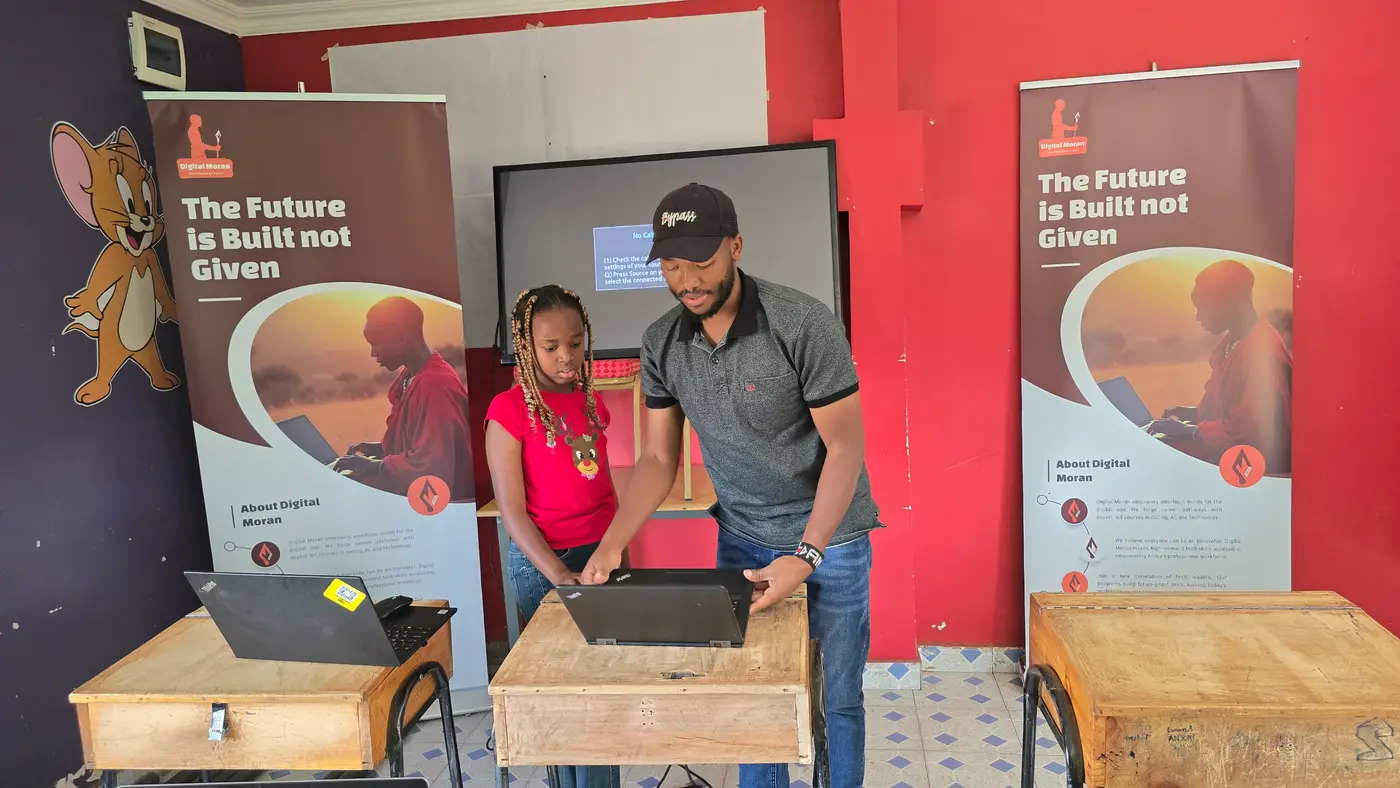
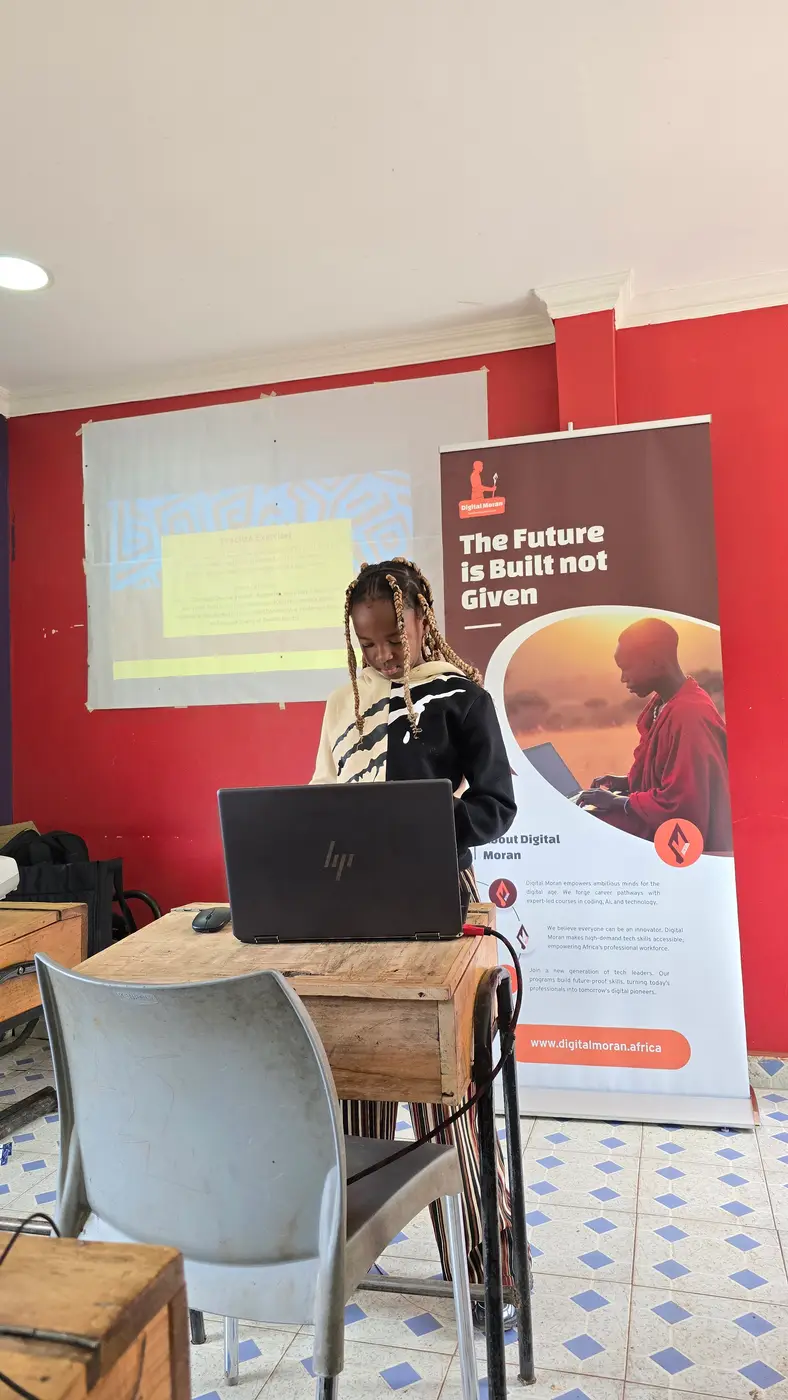
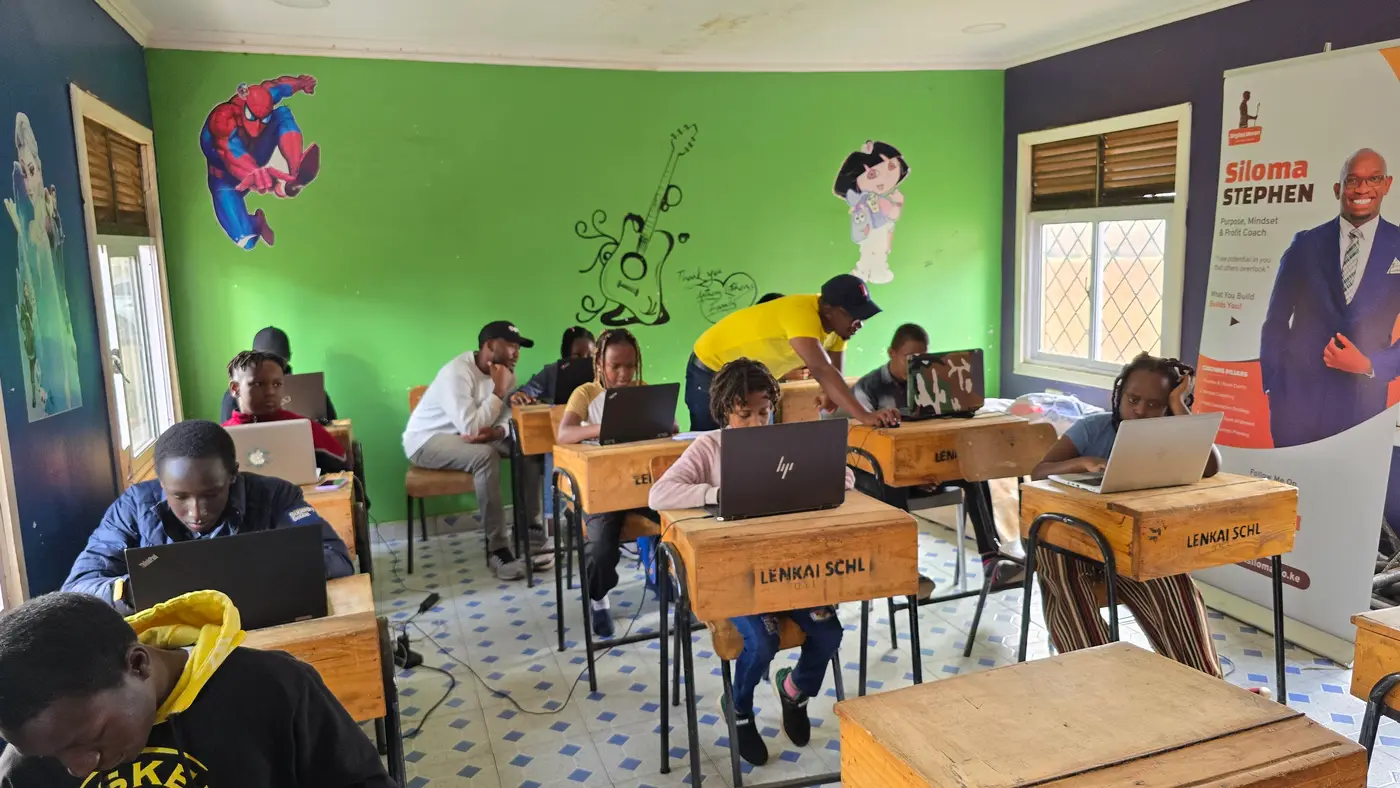
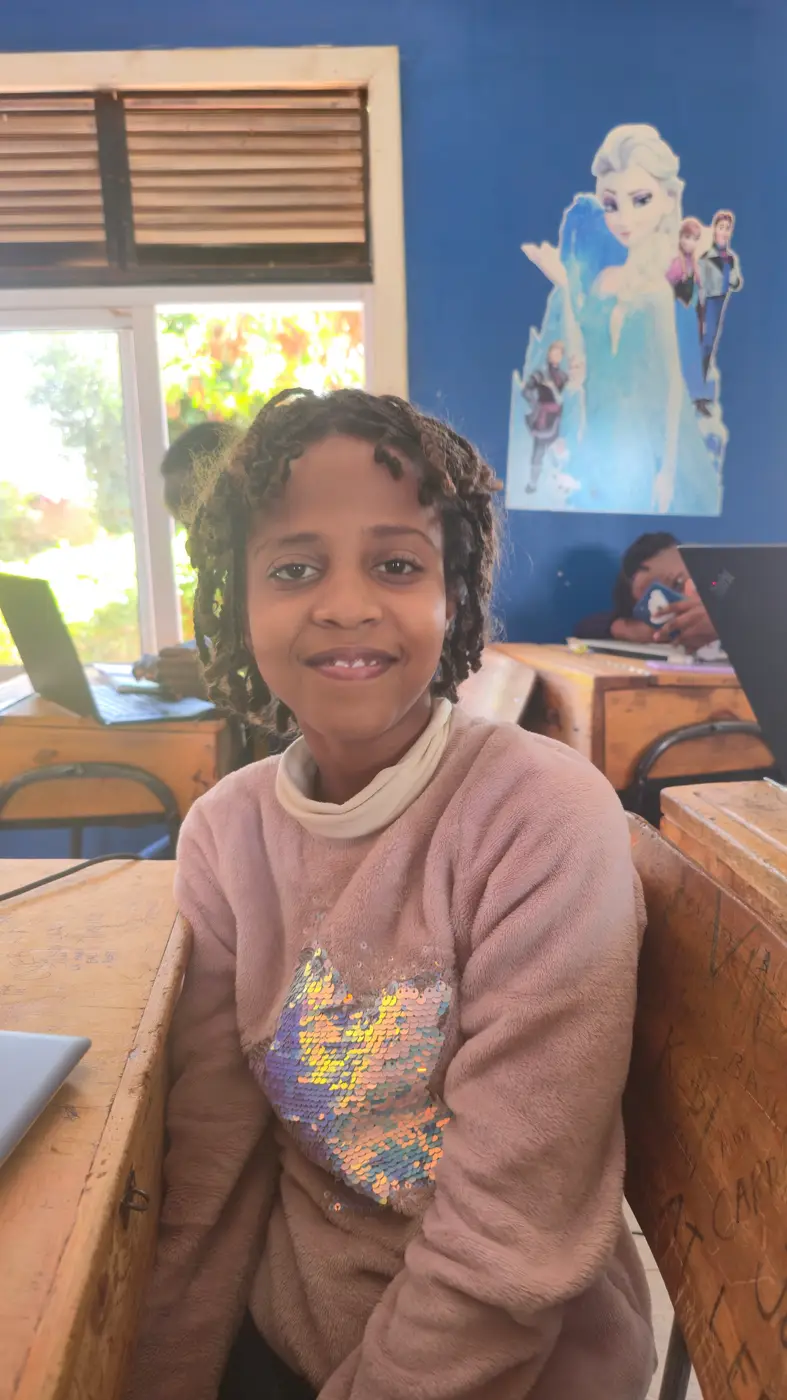
A trainer helps a young learner at her laptop during the 2025 AI bootcampA learner presents her work to the classLearners working on laptops in a classroom at Lenkai Schools, KimanaA smiling learner at the AI bootcampA trainer and a learner working together at a laptopA learner typing a prompt on a laptop
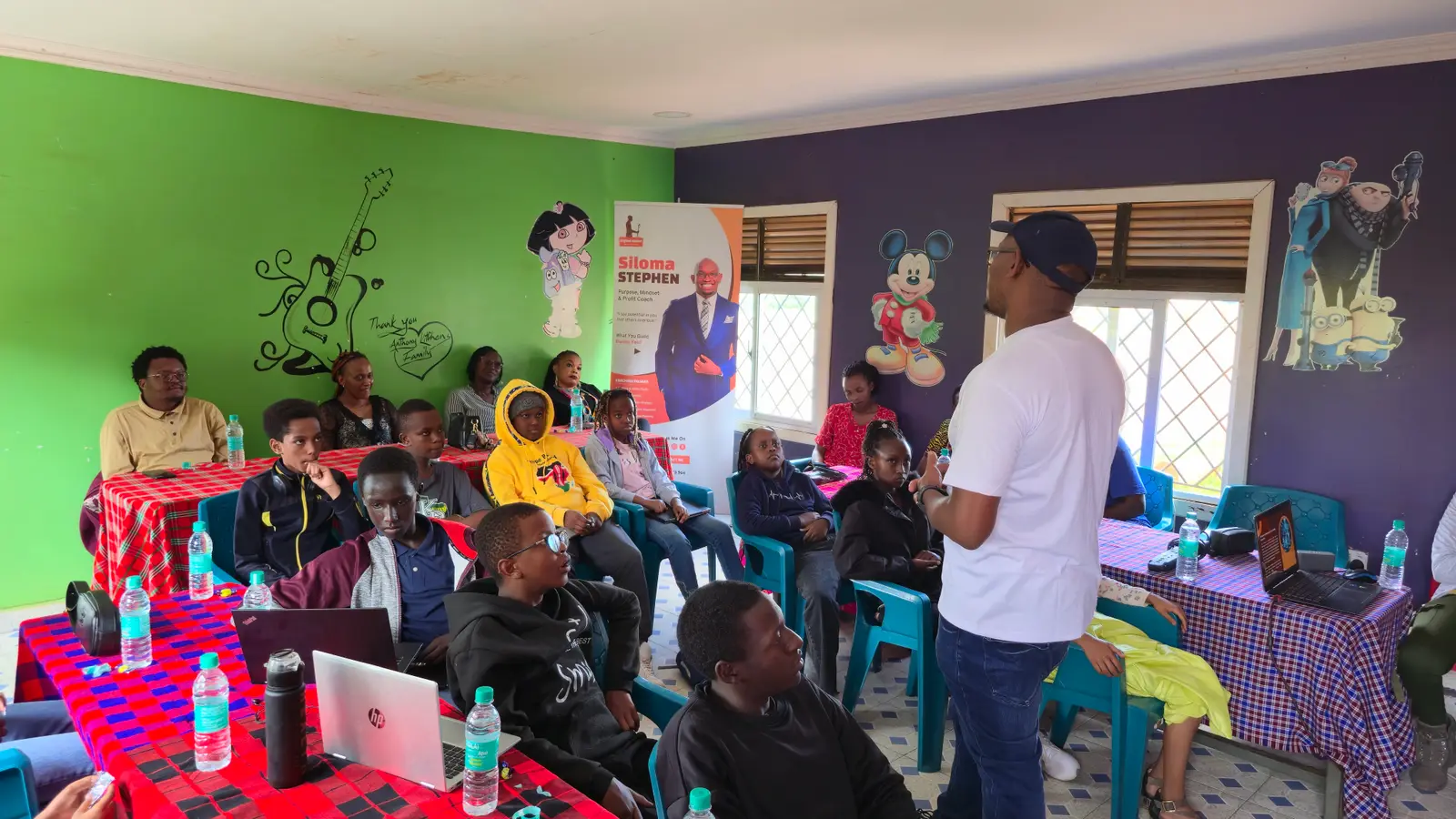
Learners and guests at the 2025 AI bootcamp showcase and graduation
Showcase day. Each group presented its project to trainers, guests and fellow learners.
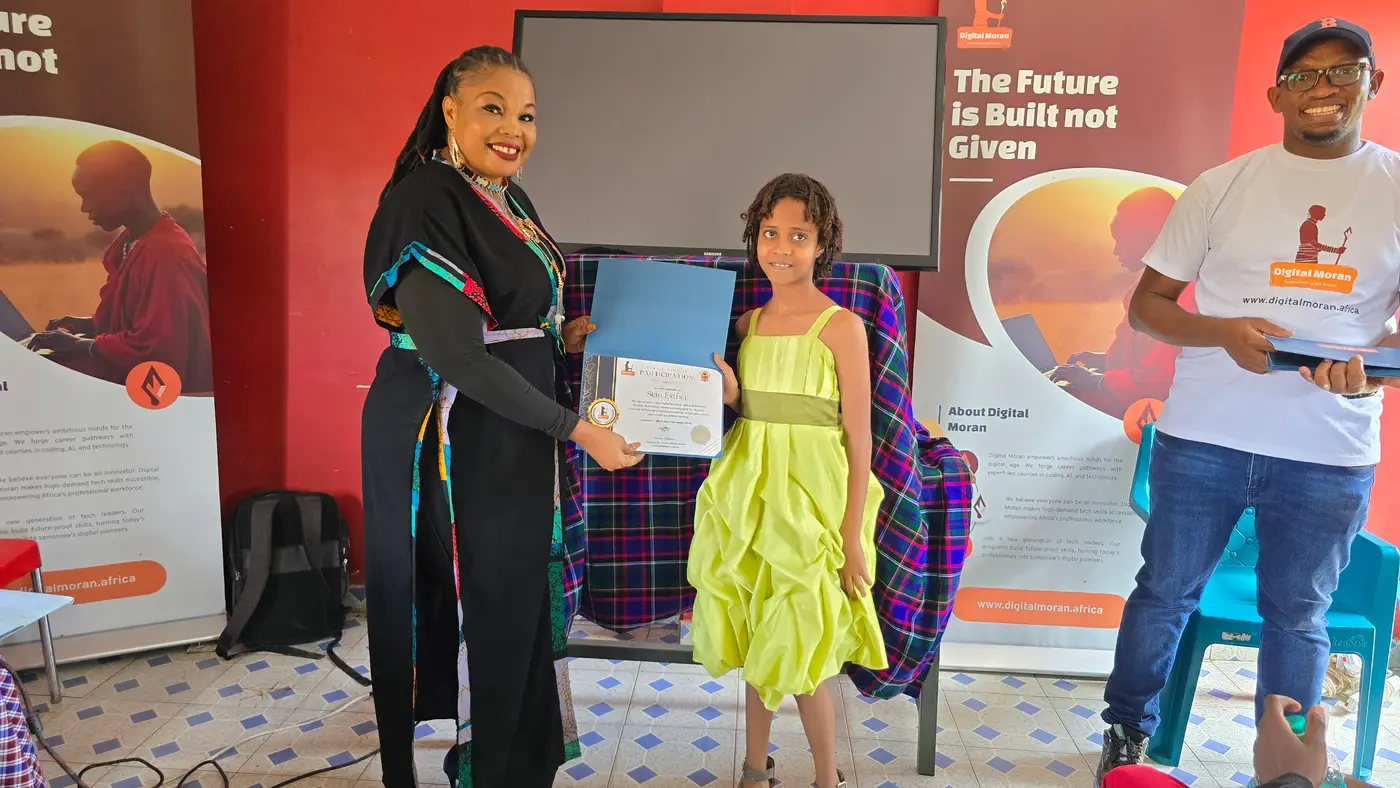
A young graduate receives her AI bootcamp certificate
Graduation. Every learner went home with a certificate.

Next cohort · Kimana

Give your child a head start this holiday

Dates
23 Nov – 3 Dec 2026
Schedule
Mondays – Fridays, 9:00 AM – 12:00 PM
Venue
Shalom Hotel Conference Hall, Kimana
Ages
10–15 years

Full bootcamp

KES 6,000

Limited spots left

Enrol on WhatsApp Or call +254 717 186 463

Questions parents ask

Frequently asked questions

Something else on your mind? Call or WhatsApp +254 717 186 463.

Who is the AI for Kids Bootcamp for?

Children aged 10–15 years. The programme starts from the very beginning, so no coding or computer experience is needed. Activities are adapted for younger and older learners.

When and where is the next bootcamp?

23 Nov – 3 Dec 2026, Mondays – Fridays, 9:00 AM – 12:00 PM, at Shalom Hotel Conference Hall in Kimana, Kajiado County.

How much does it cost?

KES 6,000 for the full bootcamp. Spots are limited, so we recommend enrolling early.

How do I enrol my child?

Tap any “Enrol” button on this page to message us on WhatsApp, or call +254 717 186 463.

Is it safe for children to use AI?

Safety is taught from the second lesson. Children learn never to put personal information into public AI tools, to check AI answers before trusting them and to ask a trusted adult when something feels wrong. Trainers guide every demonstration.

What if there is no internet?

Most of the learning is hands-on: games, card sorting, paper prototypes and group discussion. Every online demonstration has an offline alternative, so a weak connection never stops the lesson.

What happens at the end of the bootcamp?

The final session is a showcase. Groups present an AI-assisted solution to a real school or community problem, and every learner graduates with a certificate.